

A New Phishing Attack Can Bypass Ordinary MFA: What U.S. Businesses Need to Know
A 2026 campaign studied by Microsoft targeted more than 35,000 users and used adversary-in-the-middle phishing to capture sign-in tokens—even after ordinary MFA.
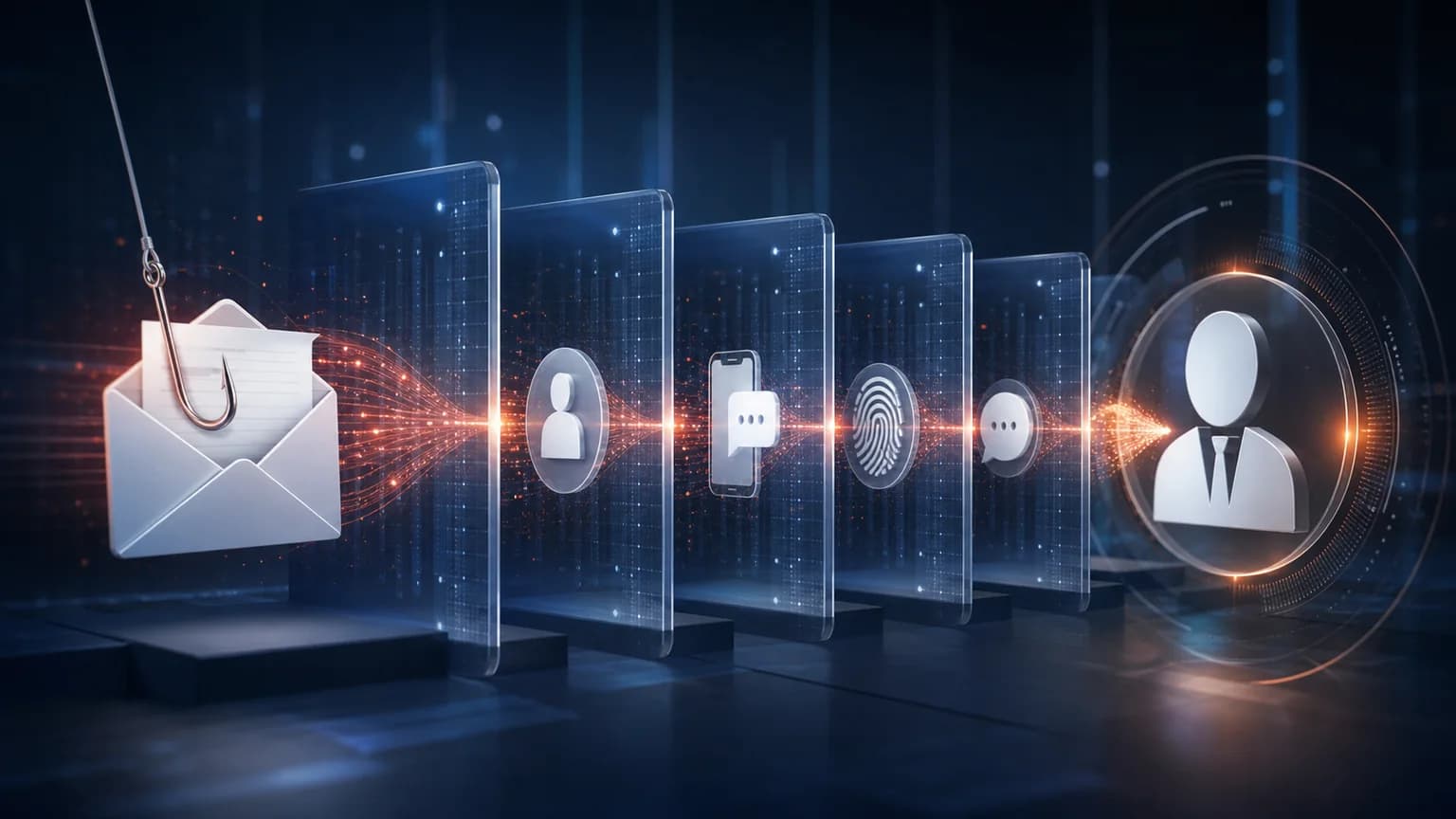
Multi-factor authentication remains one of the most valuable protections a business can enable. But “we have MFA” should not end the security conversation. Microsoft recently documented a large phishing campaign that used adversary-in-the-middle techniques to capture authentication traffic and session tokens. The messages reached more than 35,000 users across over 13,000 organizations, and Microsoft reports that 92% of the targets were in the United States.
Key takeaways
- The campaign imitated internal compliance and conduct communications.
- Attackers used multiple stages and legitimate-looking sign-in experiences to build trust.
- AiTM phishing can capture session tokens and bypass some non-phishing-resistant MFA methods.
- Businesses should combine stronger authentication with email protection, device controls, monitoring, and staff verification habits.
Why these messages were unusually convincing
The campaign did not rely on obvious spelling mistakes or an unbelievable prize. Messages presented themselves as internal regulatory, workforce, or code-of-conduct notices. They referenced organization-specific information, used polished layouts, and created pressure by claiming an internal case required attention.
Victims were sent through CAPTCHA and intermediate pages before reaching a legitimate-looking sign-in experience. Each extra stage reinforced the idea that the process was controlled and secure. This is an important training lesson: more steps do not necessarily mean more authenticity.
How adversary-in-the-middle phishing changes the risk
Traditional credential phishing collects a username and password on a fake page. In an adversary-in-the-middle, or AiTM, flow, the attacker proxies the real authentication session. The victim may see a familiar sign-in process and complete an MFA challenge, while the attacker captures the resulting session token and uses it to access the account.
This does not make MFA useless. It means the strength and configuration of MFA matter. Phishing-resistant methods are designed so an authentication response cannot simply be replayed on an attacker-controlled site.
The warning signs employees can still recognize
The technology may be sophisticated, but the message still needs a person to act. Unexpected disciplinary notices, urgent policy violations, unusual attachments, and instructions that discourage normal verification deserve a pause. Employees should confirm sensitive requests through a known channel rather than replying to the message or using the contact information inside it.
Training works best when it reflects current tactics. A yearly slide presentation about misspelled emails will not prepare employees for personalized, professionally written messages delivered through trusted services.
- Unexpected conduct or compliance accusations
- Pressure to act immediately
- Several verification pages before sign-in
- A sign-in reached from an unsolicited message
- Requests that bypass normal internal procedures
- A URL or domain that changes during the process
What Microsoft 365 administrators should review
Review authentication methods, conditional access, risky sign-ins, legacy protocols, administrator roles, email protection, browser and endpoint defenses, and the process used to revoke active sessions after suspected compromise. Strong controls should apply consistently to employees, contractors, administrators, and third parties.
Microsoft recommends user education, advanced anti-phishing protection, appropriate email-security configuration, SmartScreen-capable browsers, and network protection. CISA advises organizations to move toward phishing-resistant MFA where possible, particularly for sensitive and privileged accounts.
What to do after a suspicious sign-in
Contact the company’s real IT support channel immediately. Do not keep testing the link. The response may need to include session revocation, password reset, sign-in-log review, mailbox-rule inspection, device investigation, and checks for unauthorized application consent or changes to authentication methods.
Smart Office USA can help review Microsoft 365 identity controls, investigate suspicious account activity, and build a response process employees know how to use. If your MFA setup has not been reviewed in several years, this is a good time to confirm that it matches current threats.
Frequently asked questions
Can phishing bypass multi-factor authentication?
Some adversary-in-the-middle phishing attacks can capture authentication traffic and session tokens, potentially bypassing non-phishing-resistant MFA. MFA still reduces risk, but the method and surrounding controls matter.
What is phishing-resistant MFA?
It is authentication designed to prevent credentials or responses from being reused on an attacker-controlled site. Security keys and passkey-style methods based on modern standards are common examples.
What should an employee do after entering credentials on a suspicious page?
Stop interacting with the page and contact the organization’s verified IT support channel immediately so active sessions, account changes, sign-in logs, and the device can be reviewed.
Sources and further reading
Facts and product details were checked against the following primary or authoritative sources.
Continue exploring
Turn the guidance into a practical plan
See how Smart Office USA plans, installs, and supports this technology for Dallas-Fort Worth businesses.
Review Your Microsoft 365 Security