

The Biggest Cybersecurity Shift of 2026: Software Vulnerabilities Are Now the Leading Way Attackers Get In
The 2026 Verizon DBIR reports that vulnerability exploitation has overtaken stolen credentials as the leading initial breach vector. Here is what businesses should change.
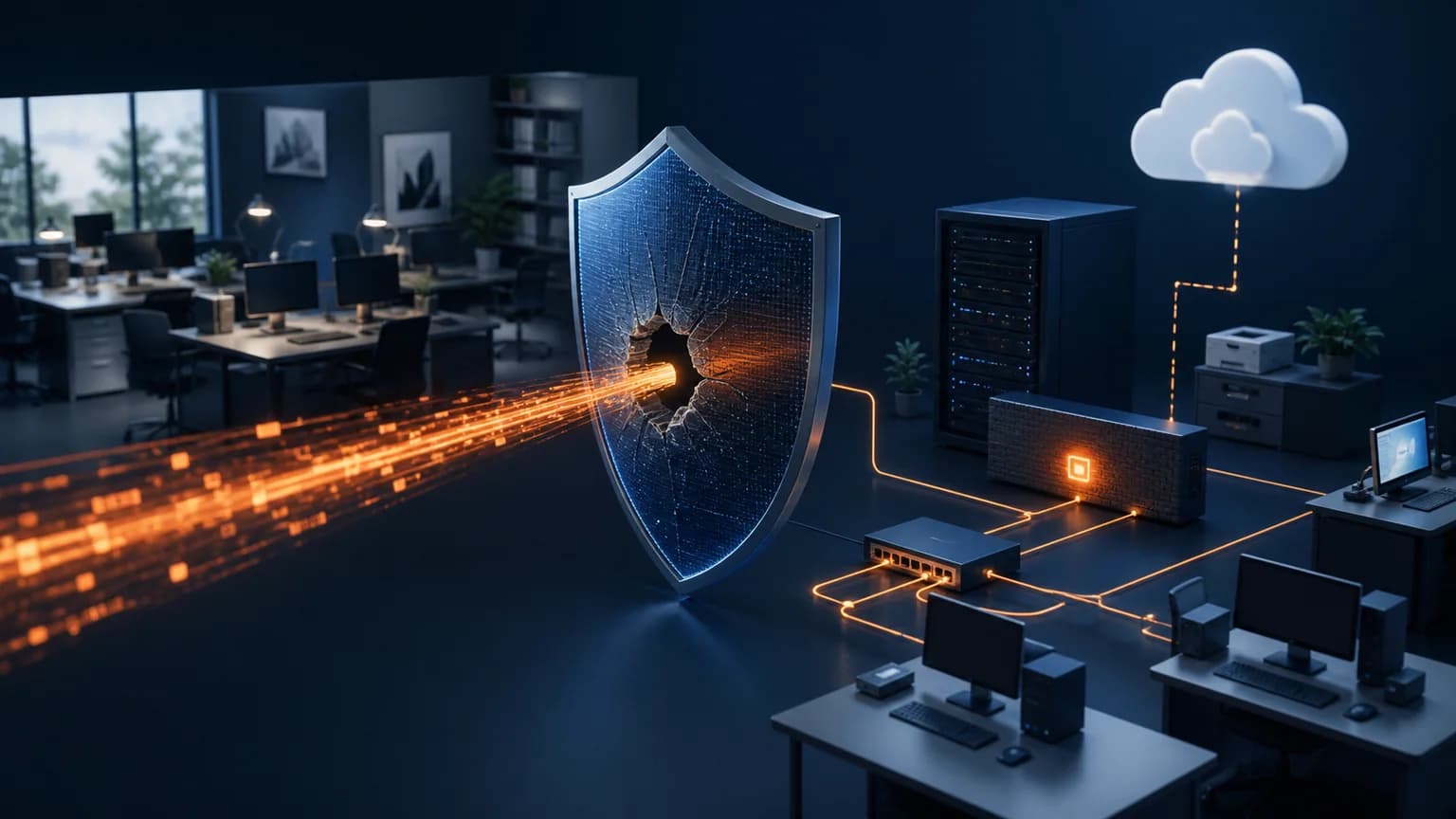
For years, business security conversations began with passwords and phishing. Those risks have not disappeared, but the 2026 Verizon Data Breach Investigations Report identifies an important change: exploitation of software vulnerabilities now accounts for 31% of breaches, making it the leading initial access vector in the report. Ransomware is present in 48% of breaches. For business leaders, the message is straightforward: awareness training alone cannot protect systems that remain exposed and unpatched.
Key takeaways
- Vulnerability exploitation represents 31% of breaches in Verizon’s 2026 findings.
- Internet-facing systems deserve faster attention because attackers can reach them directly.
- An asset inventory is essential; a business cannot patch technology it does not know it owns.
- Managed patching should include verification, prioritization, and documented exceptions.
What changed in the 2026 breach data
The DBIR is based on real incidents contributed by law enforcement, forensic firms, insurers, security organizations, and Verizon’s own response work. The incidents in the 2026 edition occurred between November 1, 2024 and October 31, 2025. That distinction matters: this is an annual analysis of observed events, not a prediction based on survey sentiment.
Attackers are increasingly exploiting weaknesses in software and network-facing products before organizations correct them. Password security and employee education remain necessary, but they are only part of the defensive picture.
The systems most likely to be forgotten
Most businesses remember employee laptops because they are visible. The harder problems often sit at the edge of the network or quietly support operations: firewalls, VPN appliances, routers, remote-management tools, servers, network-attached storage, camera recorders, phone systems, and old applications that no longer update automatically.
A single unsupported appliance can remain online for years because no employee considers it a computer. Attackers do not make that distinction. If it accepts an internet connection or trusted network traffic, it belongs in the security inventory.
- Firewalls and VPN gateways
- Routers and wireless controllers
- Remote access tools
- Servers and storage appliances
- Phone and camera systems
- End-of-life business applications
Why automatic updates are not the entire answer
Automatic updates are valuable, especially for supported operating systems and common applications. They do not guarantee that every device is enrolled, successfully updated, restarted when necessary, or still supported by its manufacturer. Some business systems require compatibility testing or a planned maintenance window before a patch can be deployed.
Good patch management answers four questions: What do we own? Which vulnerabilities matter most? Did the update actually install? What is the plan for anything that cannot be patched? A dashboard showing green status is useful only when the underlying inventory is complete.
Prioritize by exposure and business impact
Not every vulnerability carries the same practical risk. Begin with known exploited vulnerabilities, internet-facing services, remote access, privileged systems, and technology supporting critical business functions. CISA’s Known Exploited Vulnerabilities Catalog is a useful input because it identifies vulnerabilities with evidence of active exploitation.
Then consider consequence. A flaw on an isolated test computer is different from a flaw on the firewall protecting the entire office. Prioritization helps a small IT team spend limited maintenance time where it reduces the most risk.
A better monthly vulnerability routine
Maintain a current inventory, review vendor and CISA alerts, deploy routine updates, verify installation, and escalate urgent issues outside the normal schedule. Document unsupported devices and assign a replacement date. Review exceptions with business leadership so accepted risk is a conscious decision rather than an accident.
Smart Office USA helps Dallas-Fort Worth businesses monitor devices, maintain systems, coordinate vendors, and turn security findings into a practical repair or replacement plan. That ongoing work is where managed IT creates value: not simply responding after a problem, but reducing the number of preventable surprises.
Frequently asked questions
What is the leading initial access method in the 2026 Verizon DBIR?
Verizon reports that exploitation of software vulnerabilities accounts for 31% of breaches, making it the leading initial access vector in the 2026 report.
Are passwords and phishing no longer important?
They remain important. The report shows that businesses need layered protection covering identities, employees, software, devices, and internet-facing infrastructure.
What should a small business patch first?
Prioritize actively exploited vulnerabilities, internet-facing products, remote-access systems, privileged infrastructure, and technology whose failure would interrupt critical operations.
Sources and further reading
Facts and product details were checked against the following primary or authoritative sources.
Continue exploring
Turn the guidance into a practical plan
See how Smart Office USA plans, installs, and supports this technology for Dallas-Fort Worth businesses.
Strengthen Your Managed IT Program